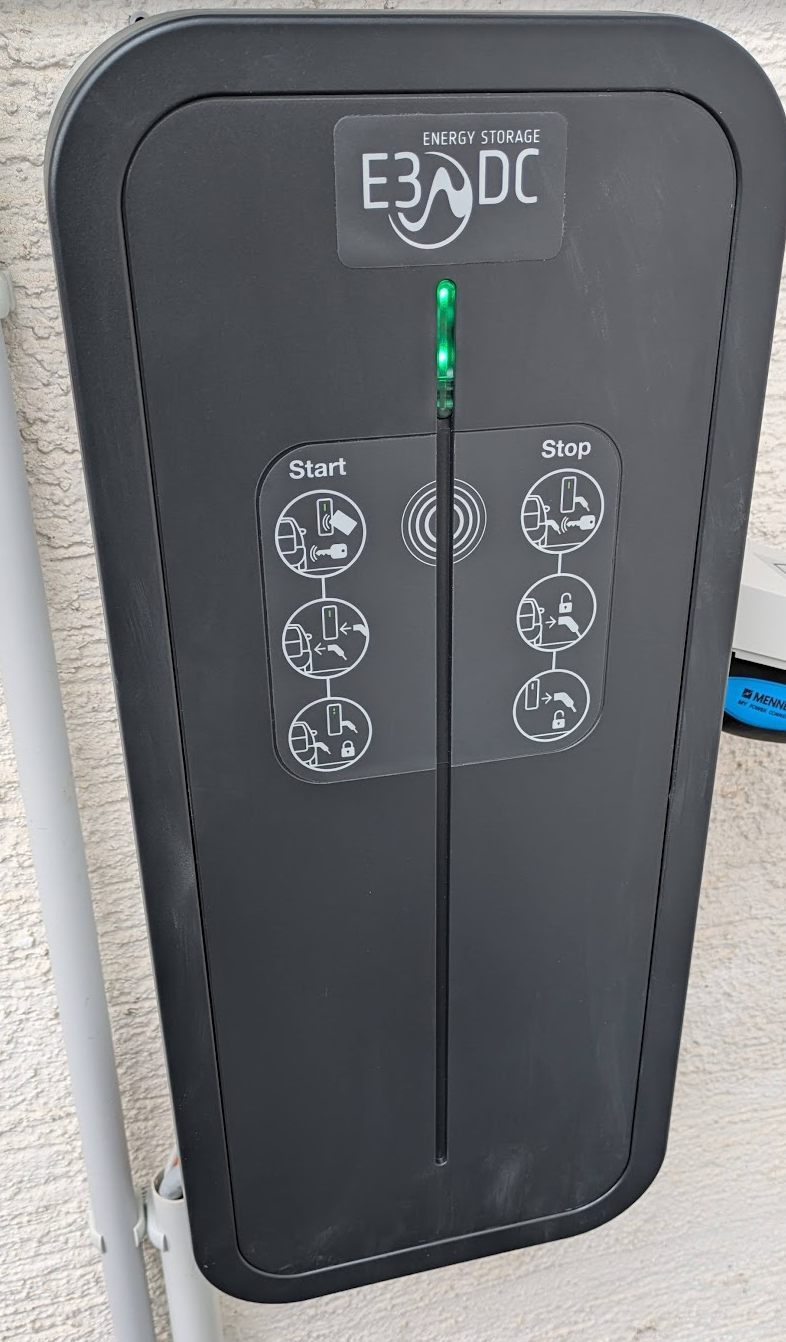
If you have an E3/DC Multi Connect wallbox (or MultiConnect II / Multiconnect 2) that refuses to pair with your Home Power Plant (Hauskraftwerk)—even though you set up a fixed IP or reserved one via DHCP—the fix might be simpler than you think.
Check your network switch for a setting called IGMP Snooping.
By default, many managed network devices (like Ubiquiti UniFi switches) block or mishandle multicast traffic out of the box unless IGMP snooping is properly enabled on the local VLAN.
Here is why that matters and how to check it:
- Multicast Discovery: The E3/DC wallbox and the Hauskraftwerk rely on local multicast packets to discover and talk to each other across your LAN.
- The Network Trap: If IGMP snooping is disabled (or improperly configured without a querier), your switch drops or suppresses those multicast frames. The result? Static IP or not, the two devices can’t „see“ each other.
- The Quick Test: Log into your network management console (e.g., UniFi Network Controller), navigate to your Networks / VLAN settings, and enable IGMP Snooping. Give the switch a minute to update, then restart your wallbox discovery.
If you’ve been pulling your hair out over static IPs and DHCP reservations, toggle IGMP snooping on and see if your setup immediately locks in.